When you work in the system, you may occasionally see a message to report this or that to Stratford. Most of these messages are kept in a log file so you don't necessarily need to remember the exact wording. This section will show you how to access that log file. For a long time we did not activate this function because it is definitely not a substitute for a 'screen shot'. We much prefer a screen shot. On most hardware and operating systems, you can highlight the small window with the message or whatever you want the Stratford support team to look at. Then press two keys at the same time: Alt + PrintScrn
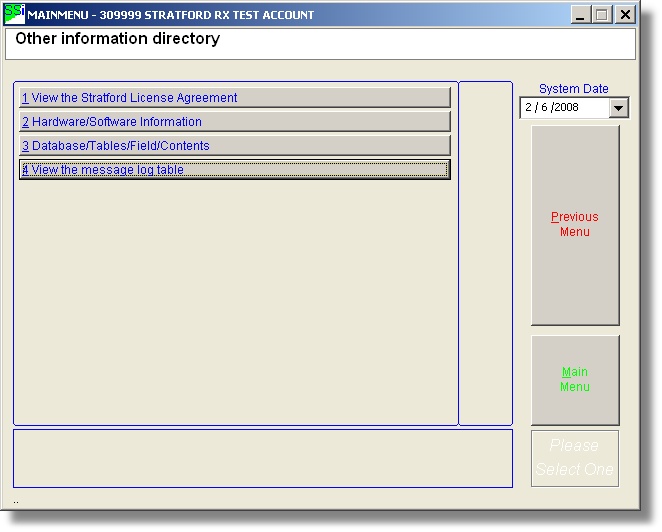
To look at the log file, from the main menu, press #7, #1, #4
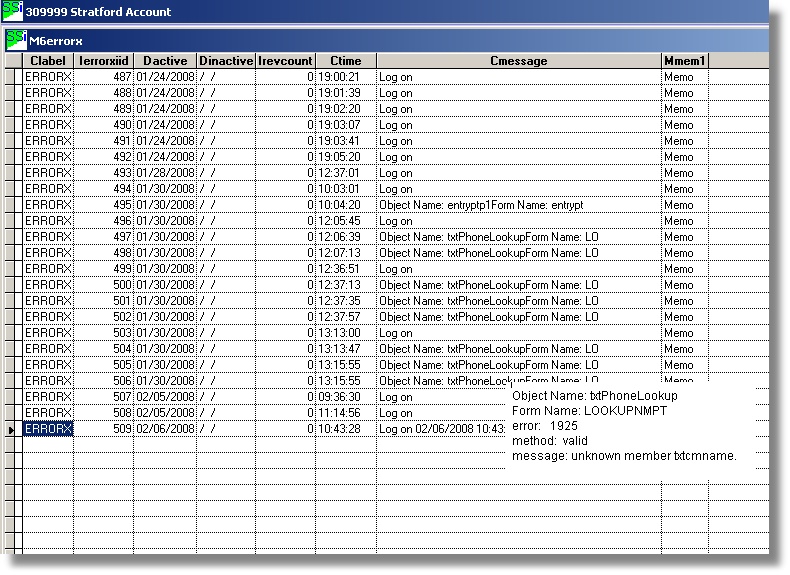
This will instantly display the message table - usually the last few entries:

Sometimes only a portion of the message can display in the cMessage field. To see the entire message, hold your cursor over the 'Memo' field. You can also click on the 'Memo' field and press two keys: Ctrl + PageDown